Published 17 September 2026 | Updated 18 September 2026 by Kate Acaster
British Airways WiFi is free on a small but growing number of aircraft, and paid on the rest while the airline works through a fleet-wide switch to Starlink. The rollout started with the Boeing 787-8, with more joining over the coming months. Until your own flight gets it, you’re on the older system instead, free in a limited form and charged for everything beyond that.
Advertisement
Want to check pricing before you fly? Go straight to British Airways’ onboard connectivity page to see current packages.
What WiFi does British Airways offer?
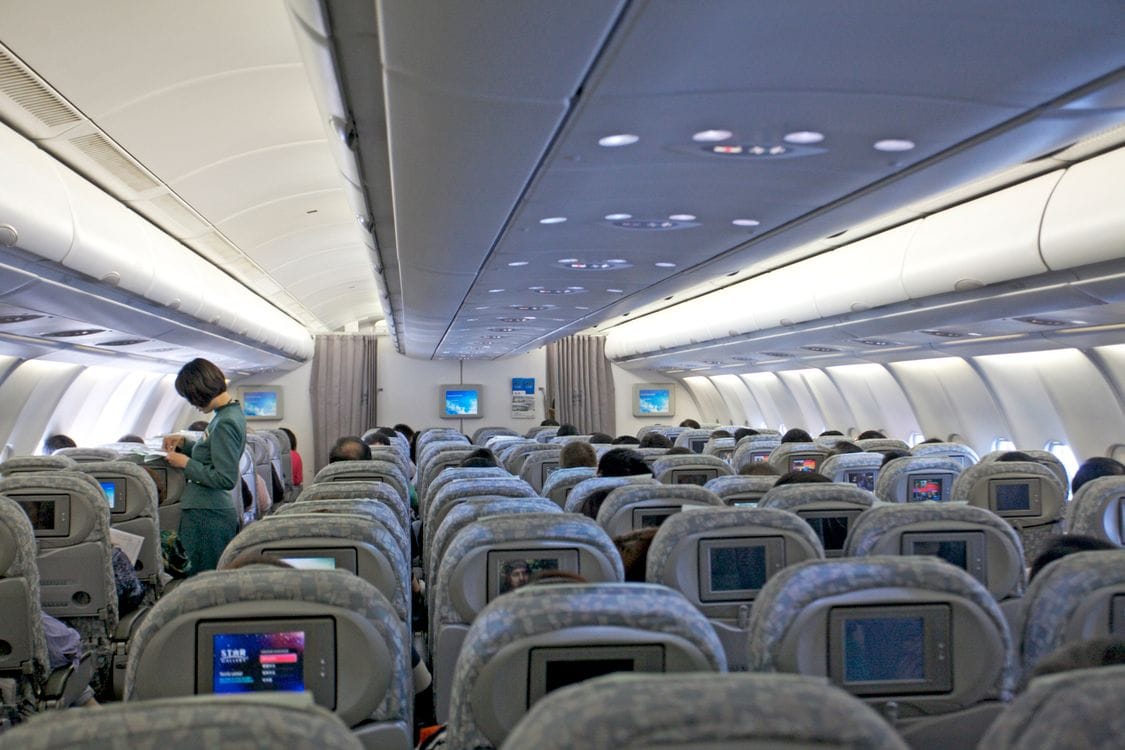
British Airways runs two systems side by side while the changeover happens. Starlink, SpaceX’s satellite internet, is live on the airline’s 787-8s and is being fitted across the rest of the fleet over the next two years. It’s free in every cabin, with no packages to choose from.
On every other aircraft, the older setup still applies. You choose between a Messaging package, covering text-based apps and email, and a Stream package, which adds web browsing, social media and streaming for the whole flight.
What does British Airways WiFi cost?
Pricing on the non-Starlink system depends on your route length and whether you belong to The British Airways Club, the airline’s loyalty programme. Membership is free to join.
| Messaging | Stream | |
|---|---|---|
| Club members | Free | Not included |
| First cabin | Free | Free |
| Non-members, short-haul | £1.99–£2.99 | £4.99–£11.99 |
| Non-members, long-haul | £2.99–£4.99 | £4.99–£21.99 |
Once Starlink reaches your aircraft, this whole pricing table stops applying.
What is Starlink WiFi on British Airways?
Starlink is SpaceX’s satellite internet network, and British Airways isn’t the first UK carrier to switch it on. Virgin Atlantic announced free, fleet-wide Starlink first, in July 2025, and completed its A350 fleet within weeks. British Airways followed shortly after with its own rollout, on a longer timetable that starts with the 787-8.
British Airways describes Starlink as free for every customer, in every cabin, with no cap on how many devices you connect at once. That’s a real change from the older system, which only lets you use one device for the length of the flight.
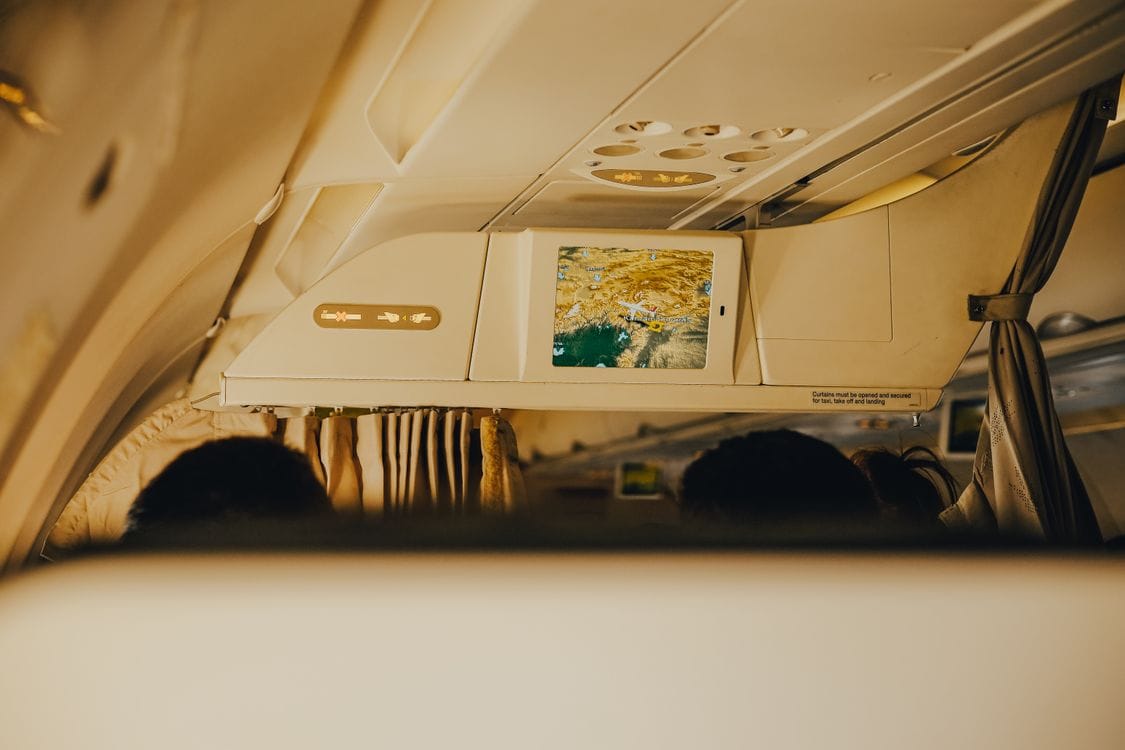
Which British Airways aircraft have Starlink so far?
British Airways hasn’t published a route-by-route list of which flights carry Starlink. What the airline confirms is that the 787-8 came first, and that the whole fleet, mainline and BA Euroflyer short-haul services alike, will have it within two years.
If a fast connection matters for your trip, check your confirmed aircraft type once it’s set closer to departure, since airlines sometimes swap aircraft on a route. A Starlink flight today isn’t a guarantee for the same route next month.
How do you connect to British Airways WiFi?
Connecting depends on which system your aircraft carries.
- On a Starlink aircraft: open your device’s WiFi settings and choose ‘BA Starlink’. Tap ‘get started’ and you’re connected. If it doesn’t launch automatically, type Starlink.ba.com into your browser.
- On the older system: wait for your crew to confirm WiFi is available, then join the ‘BAWi-Fi’ network. Once you’re above 10,000 feet, switch your device to flight mode and reconnect. Your browser should open the .air homepage automatically; if it doesn’t, go to shop.ba.com.
- Choosing a package: British Airways Club members sign in for the free Messaging package. Everyone else, or anyone who wants the Stream package, selects and pays for it on the same screen.
Whichever system you land on, the connection itself takes under a minute once you know which network to join. The only real decision is whether you need to pay for it.
“The Messaging package is free for every British Airways Club member on any non-Starlink flight, and it’s the easiest saving on this whole page to miss. People buy the Stream package on reflex because it’s the only one they remember seeing advertised, when message-only would have covered what they actually needed mid-flight: texting home and checking email. Join the Club before you check any price at all.”
Kate Acaster, Chief Editor, Flight Tribe
Tips for getting the most from British Airways WiFi
Join The British Airways Club before you fly if you haven’t already. It’s free, and it covers the Messaging package on every non-Starlink flight. On a Starlink flight, you don’t need it at all: everyone’s connection is free.
Budget for the Stream package if you plan to work or watch video on anything but a 787-8, since Messaging alone won’t let you browse the web.
Charge your devices before boarding. WiFi handles the connection, not the battery, and a long-haul flight with real work to do will drain a laptop faster than you’d expect.
If you’d rather not pay for onboard WiFi at all, check your phone network’s EU roaming charges before you fly, or add a travel eSIM so you’re covered the moment you land.
If you’re flying British Airways long-haul, British Airways seat selection covers where the legroom is, and the British Airways baggage allowance guide sets out cabin and hold limits before you pack. Check British Airways travel insurance against a standalone policy before you buy. Cutting it fine at the airport? See the British Airways check-in deadline, and if your plans change, here’s whether you can cancel a British Airways flight for a refund.
Frequently asked questions
Does British Airways have free WiFi?
It’s getting there. Starlink, free for every passenger, is live on the airline’s Boeing 787-8s and is being added to the rest of the fleet over the next two years. On aircraft without it yet, only the Messaging package is free, and only for members of The British Airways Club.
How much does British Airways WiFi cost?
On the older, non-Starlink system, non-member prices start at £1.99 for a Messaging package on short-haul flights and £4.99 for the Stream package. Long-haul Stream packages run up to £21.99. British Airways Club membership, which is free, gets you the Messaging package at no cost on any flight.
What is Starlink and why is British Airways using it?
Starlink is SpaceX’s satellite internet network. British Airways is fitting it across its fleet to replace its older, paid WiFi system with one that’s free for every passenger, in every cabin, with no cap on connected devices.
Which British Airways flights have Starlink so far?
The Boeing 787-8 was first. British Airways hasn’t published a route-by-route list beyond that, so check your own confirmed aircraft type closer to departure.
How do I connect to British Airways WiFi?
On a Starlink aircraft, choose ‘BA Starlink’ in your WiFi settings and tap ‘get started’, or go to Starlink.ba.com if it doesn’t connect automatically. On other aircraft, join ‘BAWi-Fi’, switch to flight mode above 10,000 feet and reconnect, then sign in as a Club member for free messaging or buy a package at shop.ba.com.
Can I use WiFi on every British Airways flight?
Every mainline and Euroflyer aircraft carries one of the two systems described above, either Starlink or the older paid setup. Which one you get depends on whether your aircraft has been through the Starlink rollout yet.

Kate Acaster is Chief Editor at Flight Tribe. She writes about practical travel planning, budget airlines, baggage rules, city breaks, beach holidays and good hotels that do not cost daft money.
Kate has travelled through Europe, South America and beyond, usually with a notebook, a half-formed plan and a strong opinion on airport snacks. At Flight Tribe, her work focuses on helping UK travellers understand what is included, what costs extra, and whether a trip is worth booking at the price shown.
How Kate works
Kate checks the details that can change the value of a trip, including cabin-bag rules, airline fees, hotel location, seasonality, travel dates and booking conditions. She is especially interested in offers that look useful on the surface but need a proper reader-first check before they are worth recommending.
Editorial standards
Flight Tribe covers deals and travel advice for readers first. Affiliate links do not decide whether an offer is worth writing about.